
PIGSHOT Flip Guide: Movement Tips for Roblox Duels
Learn how the PIGSHOT flip fits into movement alongside grappling, double jumps, and slides, with practical tips for weapon pickups and round-based duels.
Jump to
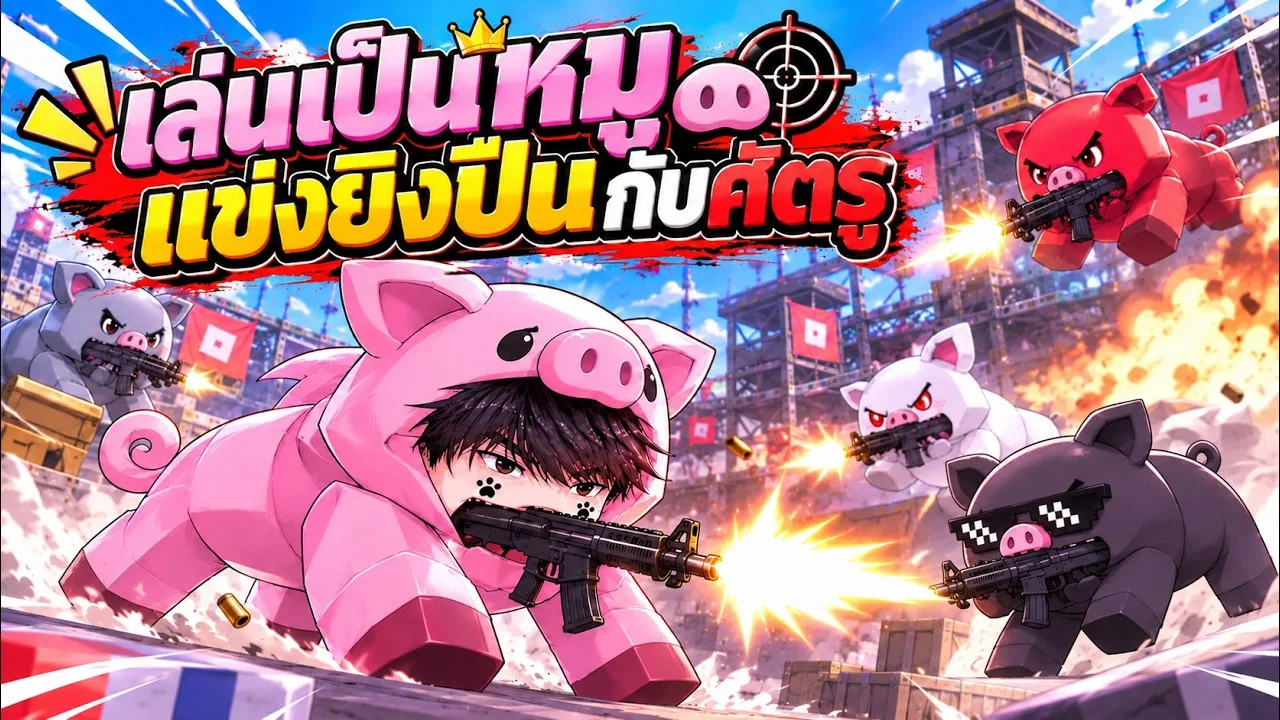
What Is the Flip in PIGSHOT?
The PIGSHOT flip is one of your pig’s movement options, alongside grappling, double jumping, and sliding. Movement matters in these fast, round-based fights: the first player to win 3 rounds takes the match. Practice moving and aiming together so you can keep track of opponents while navigating the arena.
Flipping belongs to a broader movement kit. Your grappling hook lets you swing across the map, while double jumps and slides give you other ways to move through fights. Learn each action separately before trying to combine everything during a duel.
Match options include solo play, duos, and 3v3. In a team match, practice tracking your teammates alongside the opposing pigs as you move around the arena. PIGSHOT supports up to 20 players per server; that server capacity is separate from the smaller match formats you select for a fight.
Official page: PIGSHOT (roblox.com)
Practice the Basic Movement Controls
On keyboard and mouse, start with these basic inputs:
- Space bar: Jump.
- C: Slide.
- Left mouse button: Fire your weapon.
Complete the tutorial before heading into matches. Use that introduction to get comfortable moving your pig and landing shots, then build toward the full movement kit.
The tutorial includes an objective to eliminate 3 enemies. Use those targets to practice firing while getting comfortable with jumping and sliding. Finishing the tutorial also unlocks the lobby menus, giving you access to the shop before you head back into the game’s round-based matches.
Practice with a specific goal each time:
- Jump while tracking a target. Keep your attention on the opponent instead of watching only your own movement.
- Slide while navigating the arena. Choose where you want to go before pressing the input.
- Practice grappling across the map. Pick a destination before swinging.
- Work flips into that practice. Keep the opponent and your intended destination in view while learning the action.
Players vote on maps, with castles, desert ruins, and shipping docks among the arenas. Use each map to practice navigating a different layout instead of repeating the same movement sequence everywhere.
Keep Weapon Pickups in Your Movement Plan
Movement practice needs to include getting armed. Rounds can begin with your pig searching for a weapon, and weapon crates drop into the arena. Find a pickup before committing to a fight against an armed opponent.
Ammo also affects where you need to go next. Once a weapon’s ammunition is exhausted, you need another gun. Watch your remaining ammo and look for another crate before chasing someone across the map.
The weapon pool includes shotguns, a revolver, and a dart gun. Opening another crate can also give you the same weapon again. Keep checking what you actually picked up before returning to the fight, especially when you were looking for a replacement for an empty gun.
In 3v3 matches, keep track of both teammates and weapon drops. If you begin without a gun, prioritize finding one so you can join the fight with something to shoot.
Between matches, you earn coins that you can spend in the shop. Clothing and accessories include shirts, pants, hats, and crowns, with pig colors, patterns, and stickers also available for customization. To open the shop after completing the tutorial, select the Shop icon at the bottom of the lobby screen. Use that break between fights to browse your pig’s appearance options before selecting another match.
Daily tasks provide extra rewards alongside the coins earned through matches. Check those tasks during your lobby break, and keep their objectives in mind when choosing what to work on during your next session.
Give each movement a purpose: reach a weapon, navigate toward the fight, or reposition while tracking an opponent. Practice those decisions alongside flips, jumps, slides, and grappling so your movement stays useful when the shooting starts.
Continue with
 PIGSHOT Grappling Hook Guide: Swing and Escape SmarterLearn how to use the PIGSHOT grappling hook to reposition, escape pressure, and plan safer routes while combining swings with jumps and slides in Roblox.
More in Movement
PIGSHOT Double Jump Guide: Movement and Combat Tips
Learn how PIGSHOT double jump fits into combat, with PC jump and slide controls, grappling tips, and movement advice for fast, round-based Roblox duels.
PIGSHOT Movement Guide: Grapple, Jump, and Slide to Win
Use this PIGSHOT movement guide to learn jump and slide controls, plan grappling routes, and reach weapon crates without rushing straight into enemy fire.

PIGSHOT Rails Guide: Movement Tips for Winning Duels
Learn how PIGSHOT rails fit into arena movement and use grappling, double jumps, and slides to plan routes, reach weapons, and fight for three round wins.
PIGSHOT Slide Guide: PC Controls and Movement Tips
Learn the PIGSHOT slide control on PC, practice movement alongside jumps and grappling, and plan safer routes to weapons during fast Roblox arena battles.
Continue exploring
PIGSHOT Beginner Guide: Win Rounds and Master Movement
This PIGSHOT beginner guide covers your first matches, weapon crates, movement, team fights, and coin rewards. Learn what to prioritize before each duel.
PIGSHOT How to Win: Crate, Combat, and Movement Tips
PIGSHOT how to win guide: Learn to grab weapons, manage ammo, use grapples, and coordinate your team to take three rounds and build a stronger win streak.
Join the community
Official channels for news, updates and player help: