
PIGSHOT Movement Guide: Grapple, Jump, and Slide to Win
Use this PIGSHOT movement guide to learn jump and slide controls, plan grappling routes, and reach weapon crates without rushing straight into enemy fire.
Jump to
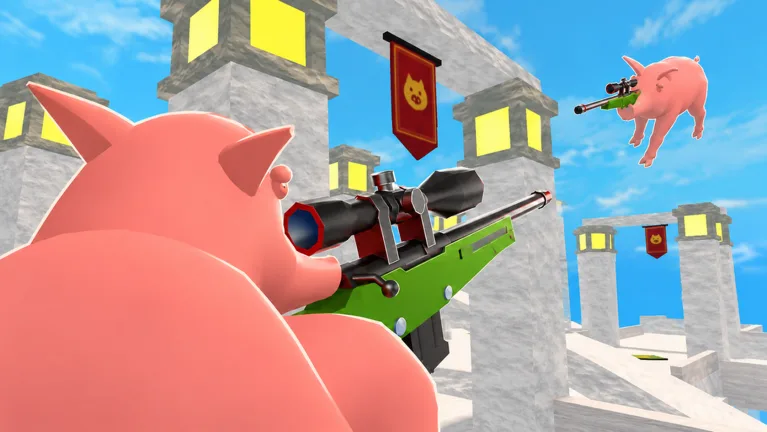
How to Move in PIGSHOT
A weapon crate across the arena is only useful if you survive the trip. This PIGSHOT movement guide focuses on jumping, sliding, and grappling with a destination in mind. With three round wins deciding a match, use movement to reach weapons, escape pressure, and set up your next shot.
Start with these PC controls:
| Action | Input |
|---|---|
| Jump | Space bar |
| Slide | C |
| Fire | Left mouse button |
Your movement kit also includes a grappling hook, double jump, and flips. Learn the basic inputs before trying to combine everything during a fight.
Practice jumping and sliding while keeping an opponent in view. If a movement input leaves you struggling to find your target again, simplify your next approach. Give yourself a clear shot before adding another maneuver.
Official page: PIGSHOT (roblox.com)
Grapple Toward a Landing You Can Use
The grappling hook lets you swing across the map. Before committing to a route, choose where you want to finish: near a weapon pickup, away from an armed opponent, or beside a teammate.
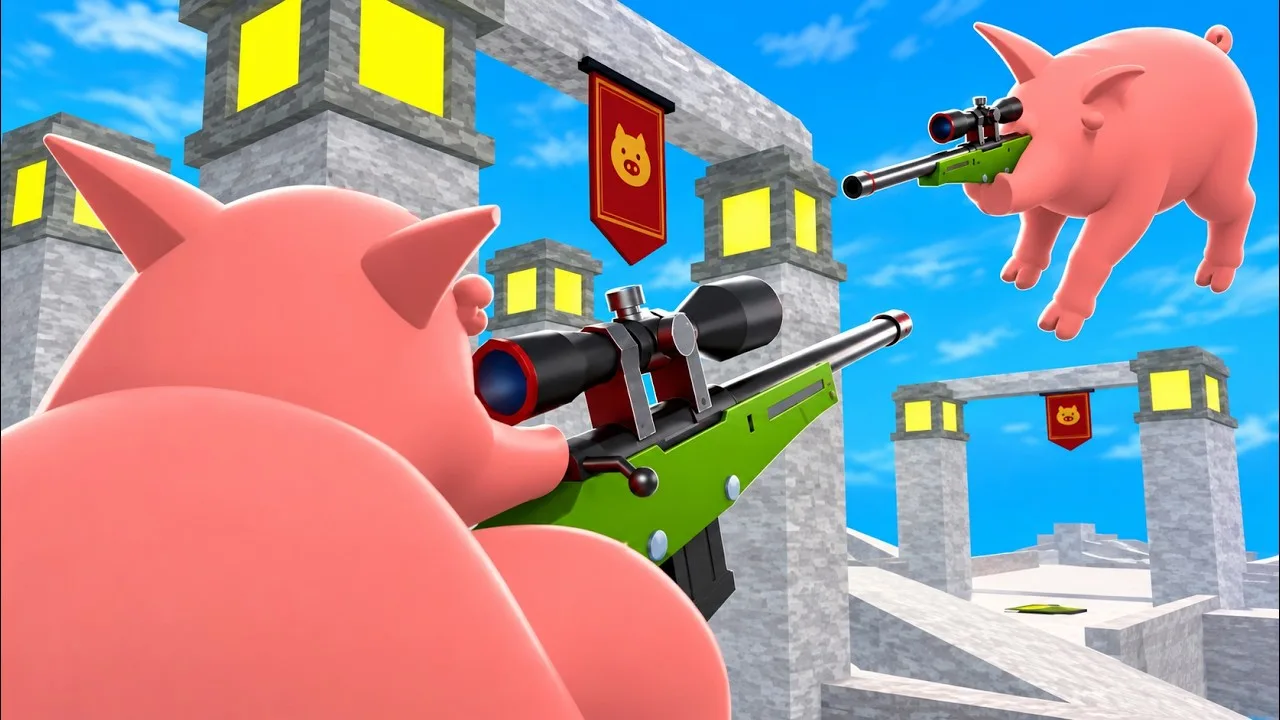
Look past the swing itself. A route that ends beside an enemy holding a gun leaves you with an immediate fight, so check the destination before closing the distance.
Build familiarity with each map through a few practical habits:
- Pick a destination before grappling. Aim for a useful position rather than crossing the arena without a plan.
- Practice double jumps separately. Get comfortable with the extra jump before combining it with other movement.
- Keep your landing in view. Watch for opponents around the place you intend to reach.
Maps include castles, desert ruins, and shipping docks. Use map voting to revisit a layout and practice routes between weapon pickups and fighting positions.
Move Around Weapon Crates and Ammo
You need to find a gun during a round, and weapons can run out of ammunition. Plan your movement around both the opening pickup and the next weapon you might need.
At the start, look for a crate before chasing another pig. If an opponent reaches a gun first, change your route instead of running straight toward them unarmed.
Once you have a weapon, keep another pickup in mind. Avoid following a retreating opponent so far that you lose track of where to replace an empty gun.
Use this decision sequence during a fight:
- Find a weapon. Identify a crate and approach while watching nearby opponents.
- Set up your shot. Keep the target visible while moving into position.
- Reassess before chasing. Check your ammunition and the direction the opponent is leading you.
- Redirect when necessary. Head toward another pickup if continuing the fight leaves you without a usable weapon.
Keep Your Routes Clear in 3v3
Team fights add more pigs competing for space and weapon pickups. Spread out when approaching crates so everyone has room to move, and avoid sending the entire team toward the same pickup.
If a teammate gets a gun before you, look for another crate while keeping track of the fight. Rejoin from a position where you can see an opponent and contribute a shot.
When pursuing a retreating enemy, watch your teammates’ positions too. Leave yourself a route back toward the team instead of letting the chase pull you into a fight alone.
Continue with
 PIGSHOT Double Jump Guide: Movement and Combat TipsLearn how PIGSHOT double jump fits into combat, with PC jump and slide controls, grappling tips, and movement advice for fast, round-based Roblox duels.
More in Movement
See all MovementContinue exploring
PIGSHOT 2x Speed: Game Pass Price and Buying Guide
PIGSHOT 2x speed costs 149 Robux. Compare its price with other passes, find the official game, and plan your purchase around the way you play Roblox duels.
PIGSHOT Turbo Trotter: Game Pass Price and Buying Guide
PIGSHOT Turbo Trotter costs 199 Robux. Compare its price with other game passes, keep it separate from 2X Speed, and plan your purchase before you play.
Join the community
Official channels for news, updates and player help: